ON THE WEB
Generate in the browser
app.twozero.ai/generate runs the same AI models as ZOPs, from the same balance, without TouchDesigner. It is built for a computer screen.
On this page 3
Generate
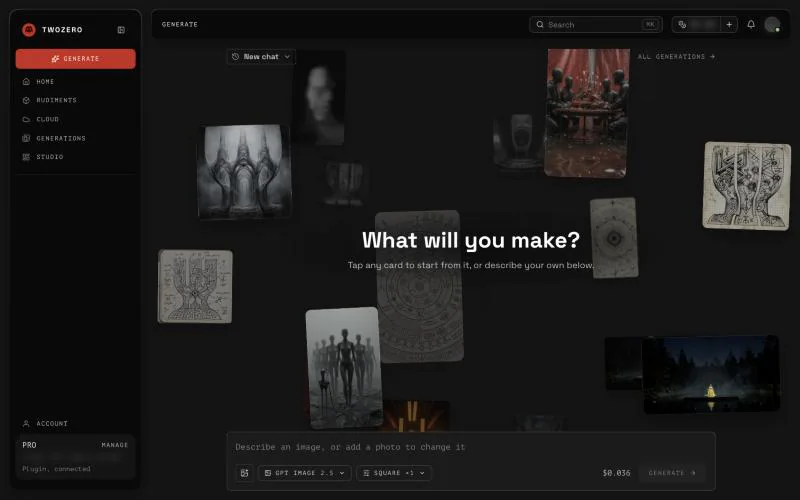
Open the composer, pick a model (search, for example "flux" or "upscale"), describe what you want or add an image to change, and press GENERATE. The price of the run is shown in the field before you press it, and that is what you pay. Failed generations are not charged: the tile says Not charged.
With an empty balance the composer offers to top up. See Billing & Credits.
Your generations
Generations holds everything you made, in the browser and with ZOPs in TouchDesigner. Tabs:
- Mine: your work. Select tiles to add them to a project, download, like or delete them. Deleting a generation does not refund it.
- Projects: group generations and share a project with people. Can view sees the project; Can contribute also generates in it and pays for what they make.
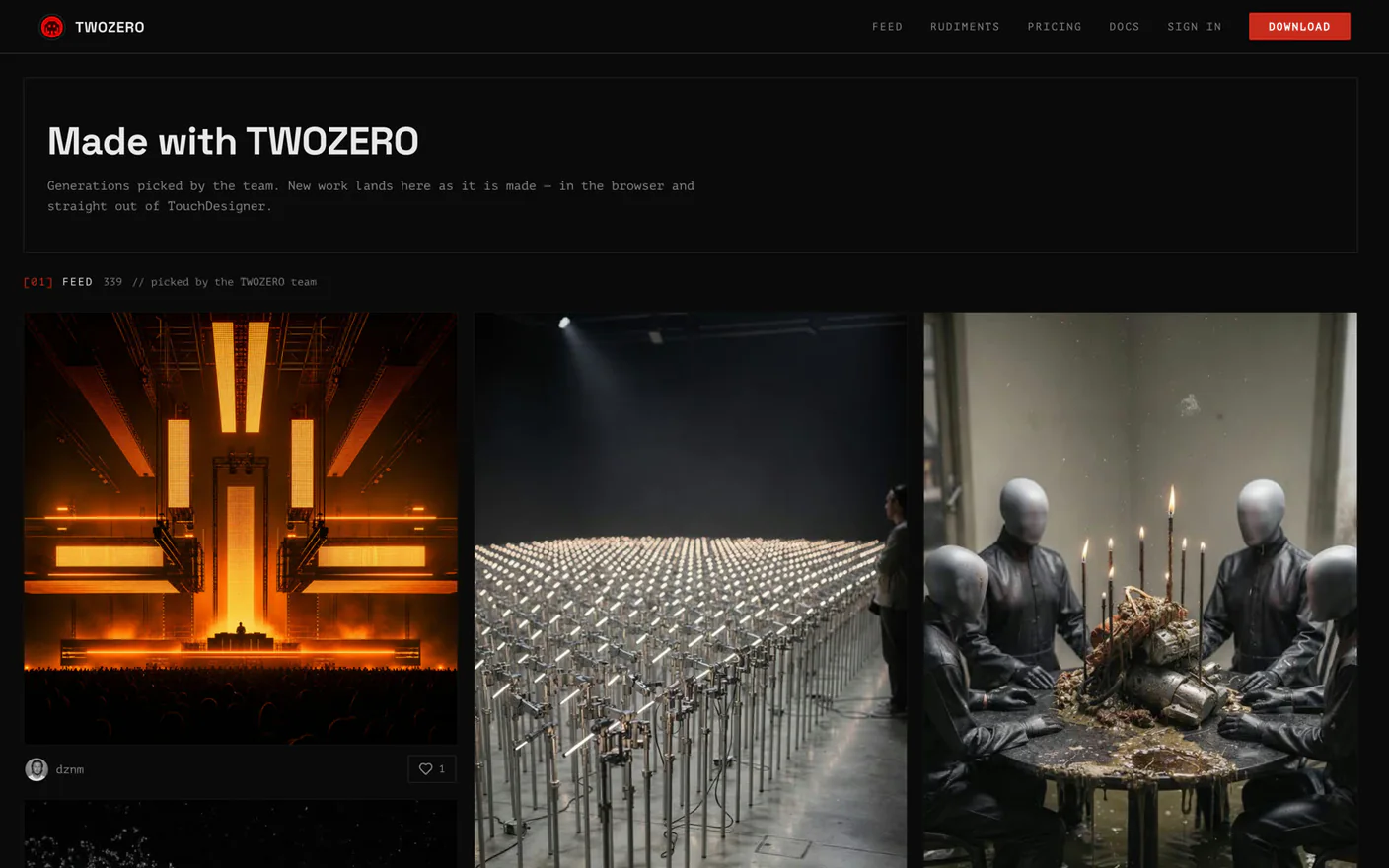
- Feed: picks from the twozero team. Make one like this on a feed card fills the composer with the same prompt, model and settings; nothing runs until you press GENERATE.
Generations live in a separate archive with no limit. They do not count against your Cloud storage.
Into TouchDesigner
Download a result and use it in your patch, or run the same model as a ZOP right in your network: Your first ZOP.