Search OP
Search OP by name and/or type. The search performs within the current location and its children.
On this page 2
SEARCH SYNTAX:
'name - type' — a dash separates the name part from the type part. Both parts are optional. Inside each part you can type several space-separated words and all of them must match (as substrings): words before the dash are matched against the OP name, words after the dash against the OP type.
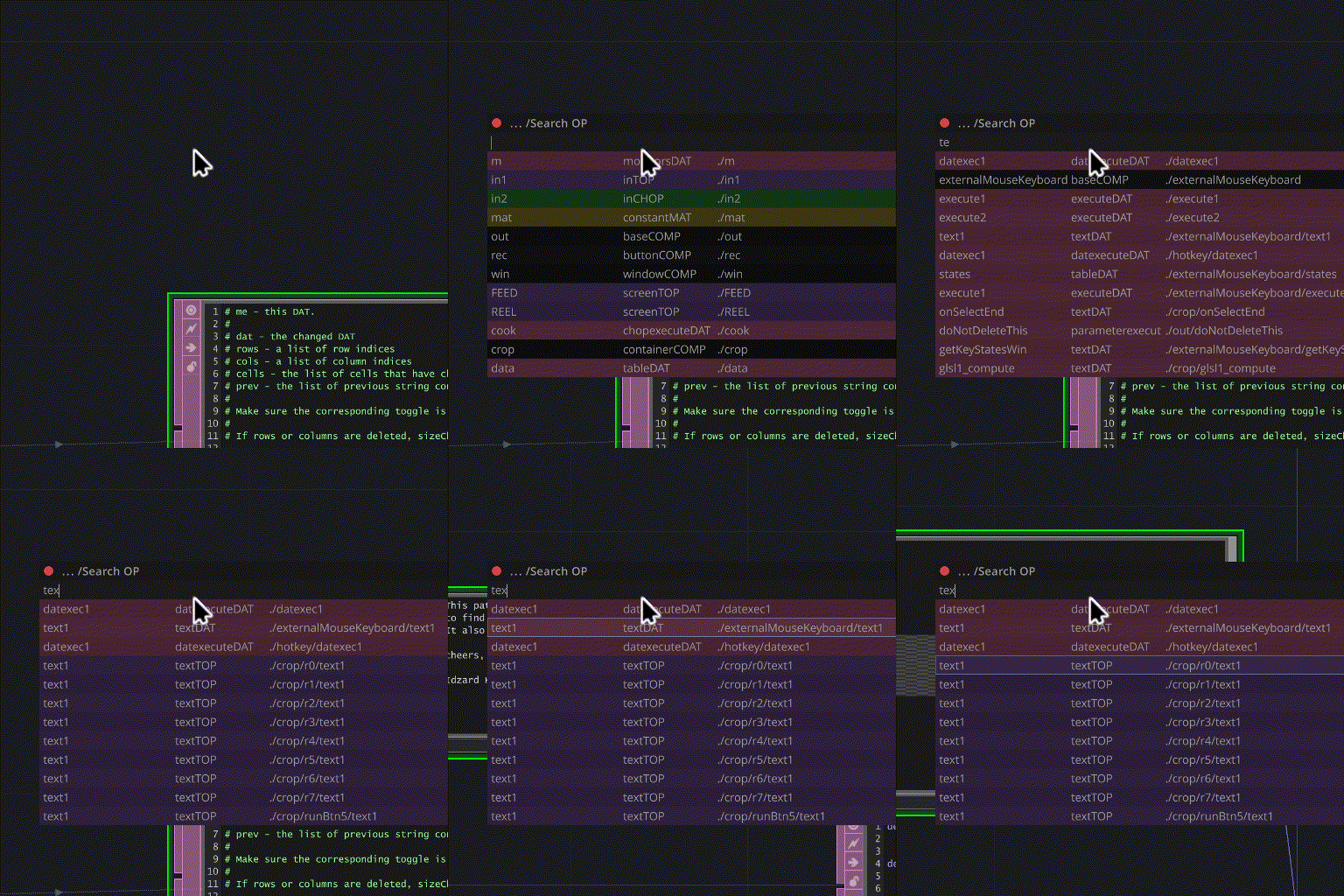
To search by OP type only - start the query with a dash, e.g. '-noise', '-text dat', '-au dev ou'.
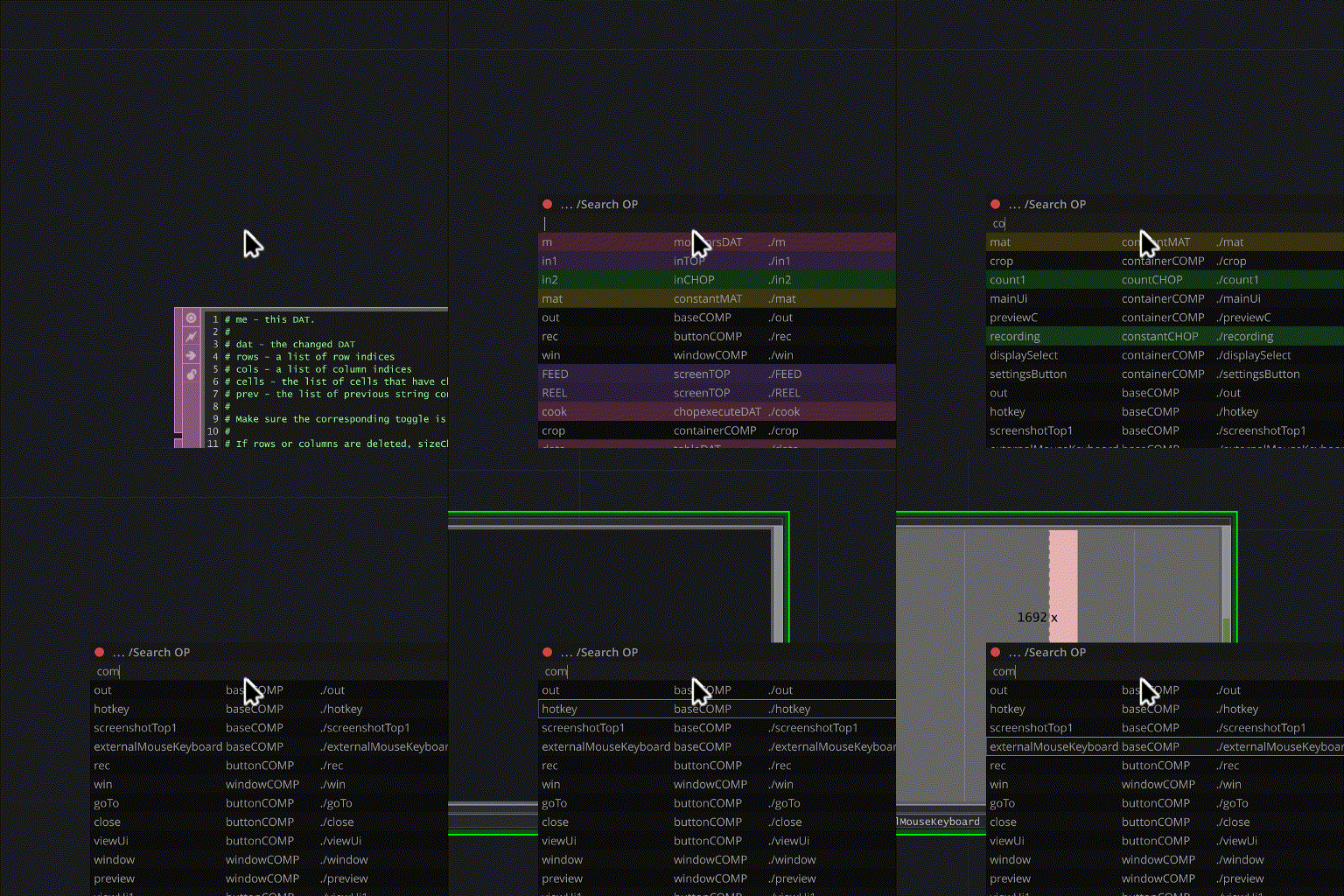
Search results are sorted by name-match position first, then by depth from the current location.
Pressing [UP]/[DOWN] keys or selecting with LMB automatically navigates to the selected OP.
SEARCH EXAMPLES:
'no' — finds OPs of any type with names like noise1, mono1, nvdenoise1. 'ho too' — finds host_tool (both words must be in the name). 'ho too-base' — same, narrowed to baseCOMPs. '-au dev ou' — finds every audiodeviceoutCHOP (no name filter, all words matched in the type).