Create OP
CREATE NEW OPs:
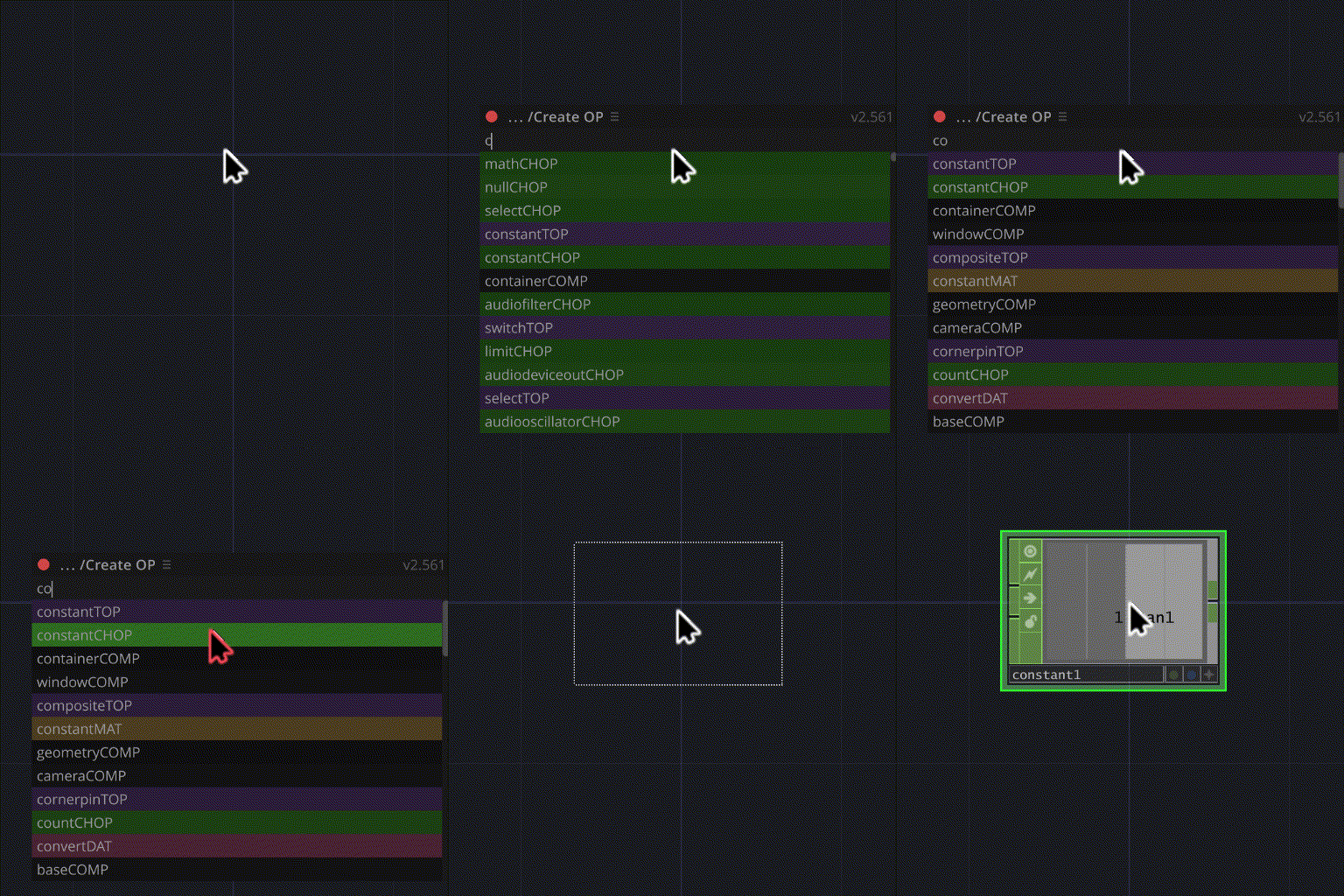
Works like the original TD 'Create OP' dialog, only compact and searchable. [UP]/[DOWN]/[ENTER] apply as usual. It replaces the native dialog as long as Settings → Create OP dialog is on.
USAGE:
- Open the Create OP dialog the way you normally would.
- Start typing the OP type. Word parts work:
'a de ou' → audiodeviceoutCHOP 'a osc' → audiooscillatorCHOP
- Use [UP]/[DOWN] to select, then [ENTER].
or
- LMB on the item.
FILTER BY FAMILY:
[←] / [→] cycle a family filter — TOPs, CHOPs, SOPs, DATs, MATs, COMPs — and back to "everything". The active filter is shown in the navigation bar.
If a custom-operator family is present in the project (TDFam-based packs such as dotsimulate's), its operators are listed alongside the native ones and get their own entry in the filter. Creating one goes through that pack's own placement logic, so the result is identical to using its native dialog. Nothing changes in projects without such packs.
REDEFINE DEFAULT SETTINGS FOR NEW OPs:
- Select OP(s) in the Network Editor with the settings you want
- Open Create OP
- Type '='
- Press [ENTER] → confirm
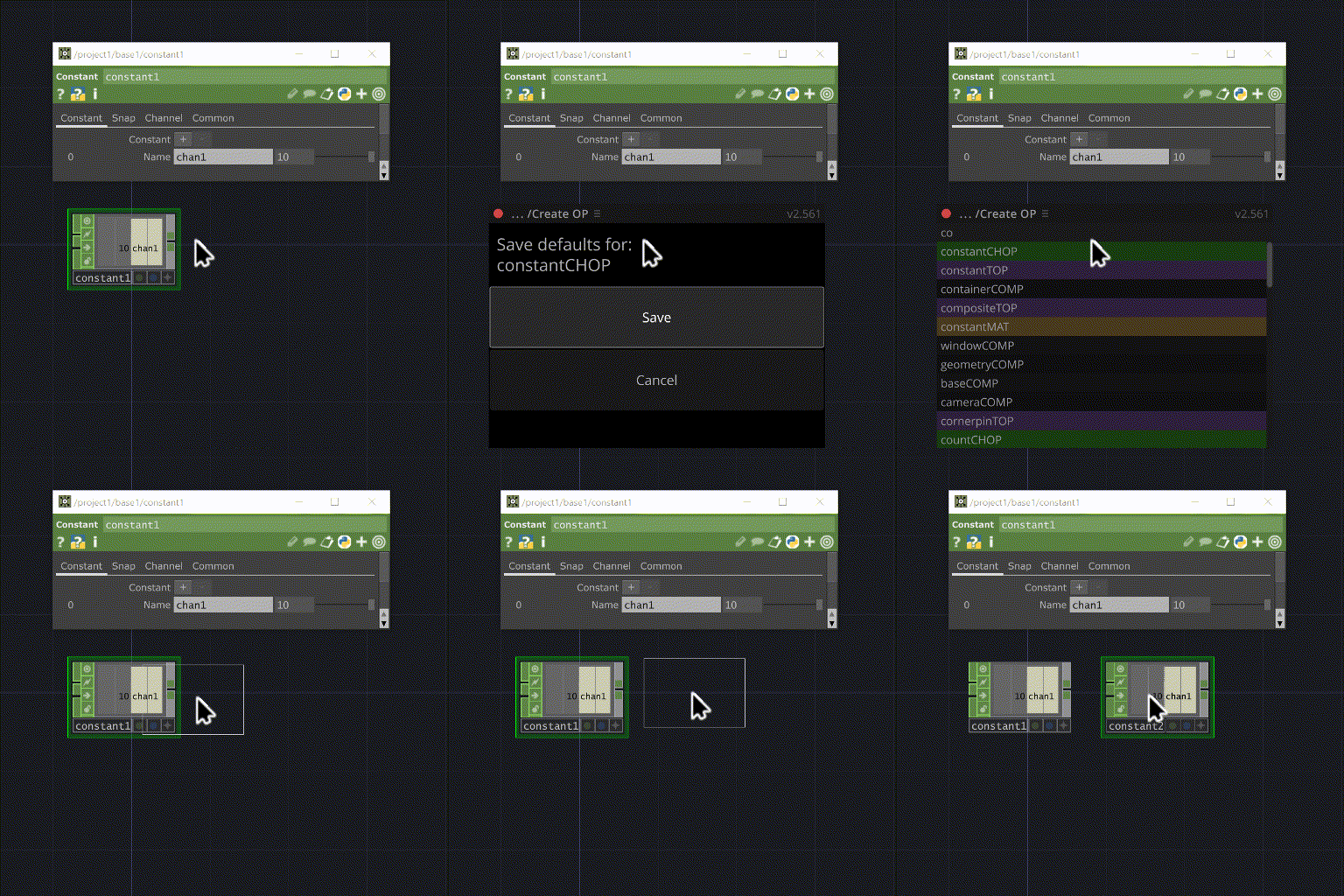
Defaults are stored per OP type — including for custom-operator families, which keep their own separate entry.
RIGHT-CLICK MENU:
RMB on an OP type that has custom defaults (marked with + in the right column) opens a context menu: Reset to default — remove the custom defaults for that OP type and restore factory behaviour.
NOTES:
Saved and restored as defaults: parameters with their modes and expressions, docked OPs and their parameters, DAT content.
Defaults live in local preferences by default; switch Settings → Store defaults to local on to keep them in the local folder and share them across machines.