Toolset & Usage
twozero is a set of tools built around one input field. They exist to make past work reusable and to keep file management out of your way. Any tool can be put on a keyboard shortcut via Settings.
On this page 4
GENERAL USAGE:
- Click the twozero launcher icon — you are at the root menu.
- Pick a tool.
- Use it. The tool opens in its own compact window with the input field on top.
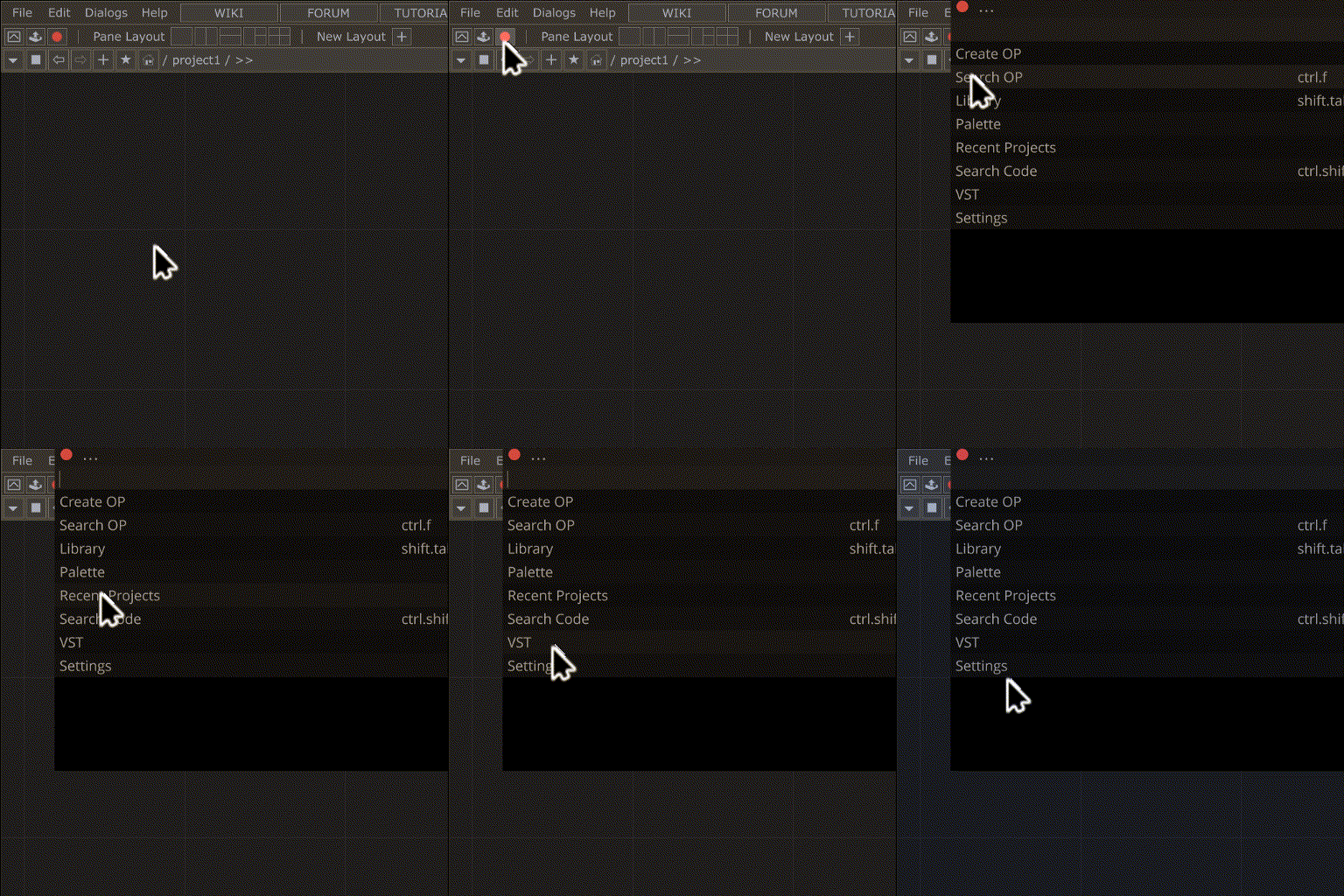
Everything can be done from the keyboard: type in the input field, move with [UP]/[DOWN], confirm with [ENTER]. The mouse works everywhere too — LMB confirms, RMB on a list row opens a context menu with extra actions where the tool has them.
The dim text inside the input field tells you what that tool expects, including the prefix characters it understands — e.g. type op name ("=" for defaults) in Create OP, type to find a component ("+" saves current op) in Local.
KEYS:
[td myProject.toe] /project1/noise1 (can be turned off in Settings)THE ROOT MENU:
- OPERATORS — ZOPs, Create OP, Search OP
- HUB — Local (your components on disk), Cloud (twozero.ai)
- TOOLS — Palette, Locations, Search Code, VST, Settings
- RECENT — recent projects
LIST OF TOOLS:
- ZOPs — generative model operators (image, video, audio, text, digital human)
- Create OP — create new OPs and redefine defaults for new OPs
- Search OP — enhanced operator search
- Search Code — search python code through all DATs
- Local — save/load components and templates on disk
- Palette — search in the TD palette
- VST — VST plug-in search, creates vstCHOPs
- Cloud — component sharing and versioning via twozero.ai
- Locations — project location bookmarks
- Recent Projects — search through all recent projects
- Settings — twozero settings
Notes
Note — Local and Cloud were previously called Library and Hub. Same tools, clearer names.