ON THE WEB
Your account on the web
The plugin and app.twozero.ai share one account: the same balance, the same Cloud, the same plan. Whatever you do on one side shows up on the other.
Sign in
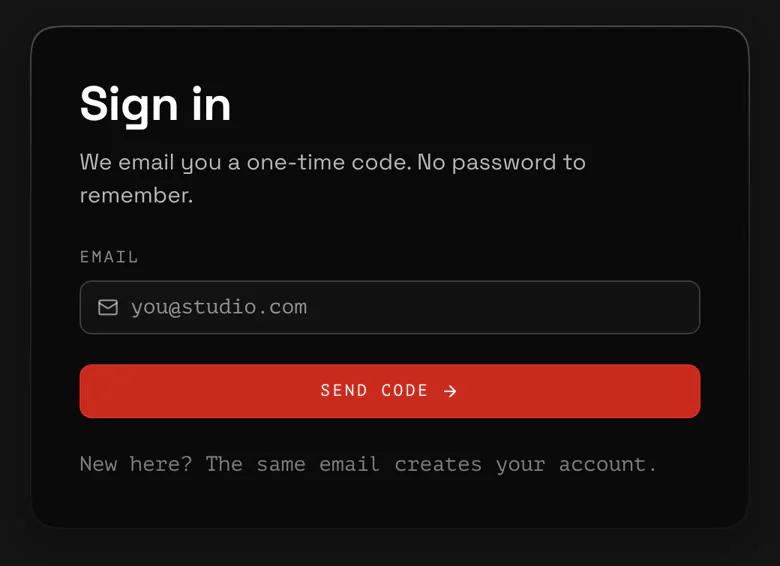
On the website: app.twozero.ai/login, enter your email, then the 6-digit code we send you. There is no password. The first sign-in with a new email creates your account, after you agree to the Terms of Service and the Privacy Policy.
Sign the plugin in
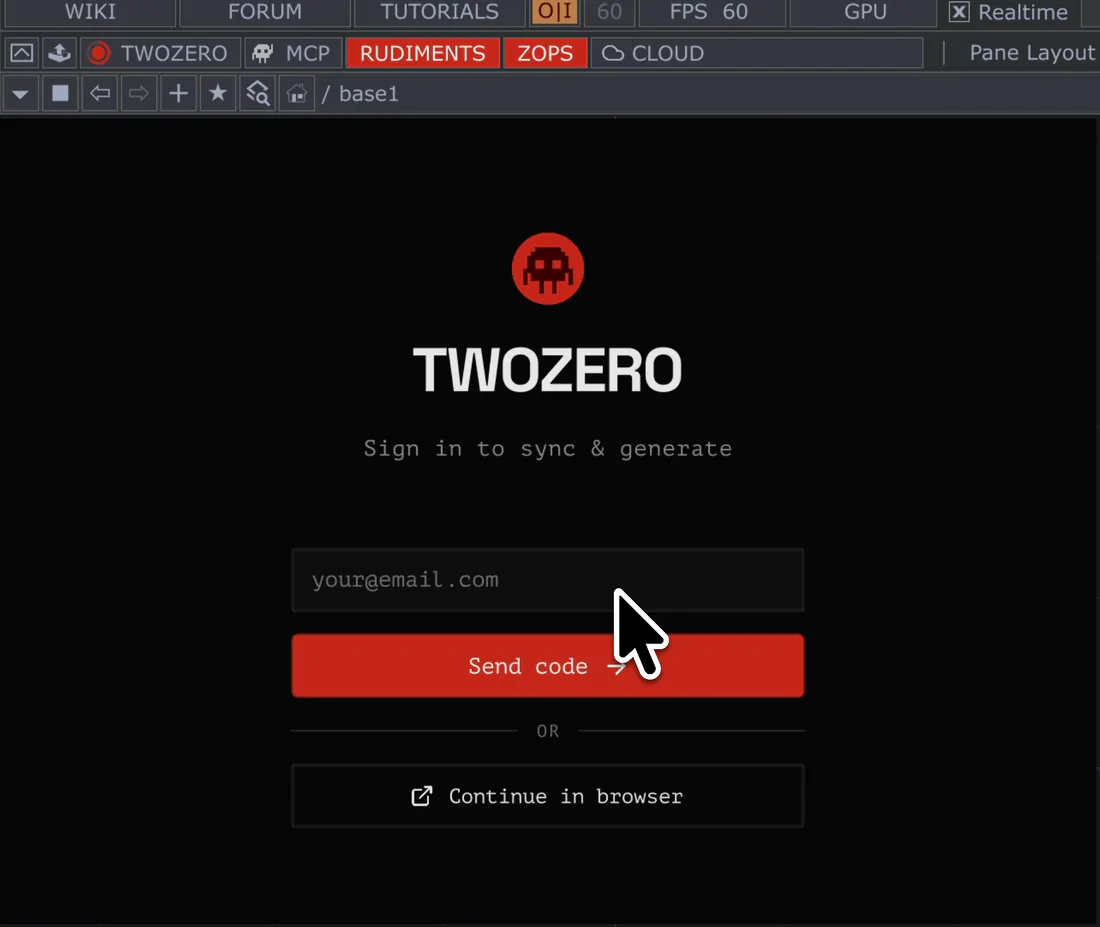
- In TouchDesigner, open Cloud and press Continue in browser.
- The browser opens Approve the sign-in. Sign in there first if you are not. The page lists what the plugin will be able to do: open, save and share your Cloud components, spend your credits on generations, see your plan and balance.
- Press APPROVE, go back to TouchDesigner. The plugin finishes signing in by itself in a few seconds.
Approve only a request you just started yourself: if someone sent you the link, cancel. A request lasts 5 minutes. After approving, the page moves on to Billing in 8 seconds; Stay here keeps it.
TouchDesigner stays signed in until you sign out there: click your name in the header of the twozero menu → Logout, or Settings → ACCOUNT → Sign out. Signing out on the website does not sign the plugin out.
What is where
On a computer, ⌘K (Ctrl+K) searches rudiments, your Cloud components and your generations from any page.
The Plugin card in Profile & plan shows whether your plugin has checked in during the last day, and has the download link.
Report a problem
Send feedback in the corner of every page, or the bug icon in the plugin, opens a short form: what kind of problem, what happened, pictures or videos. The plugin attaches a picture of its window and the plugin and TouchDesigner versions; the website attaches the page and the browser. You need to be signed in; the report reaches the team with your username.
Delete your account
Write to hello@twozero.ai from your account's email. See the Privacy Policy.