RUDIMENTS
Get a rudiment
Three ways to put a rudiment into your network: the Rudiments window in TouchDesigner, a copied link, or your agent. What rudiments are and what PRO opens: Rudiments.
From the Rudiments window
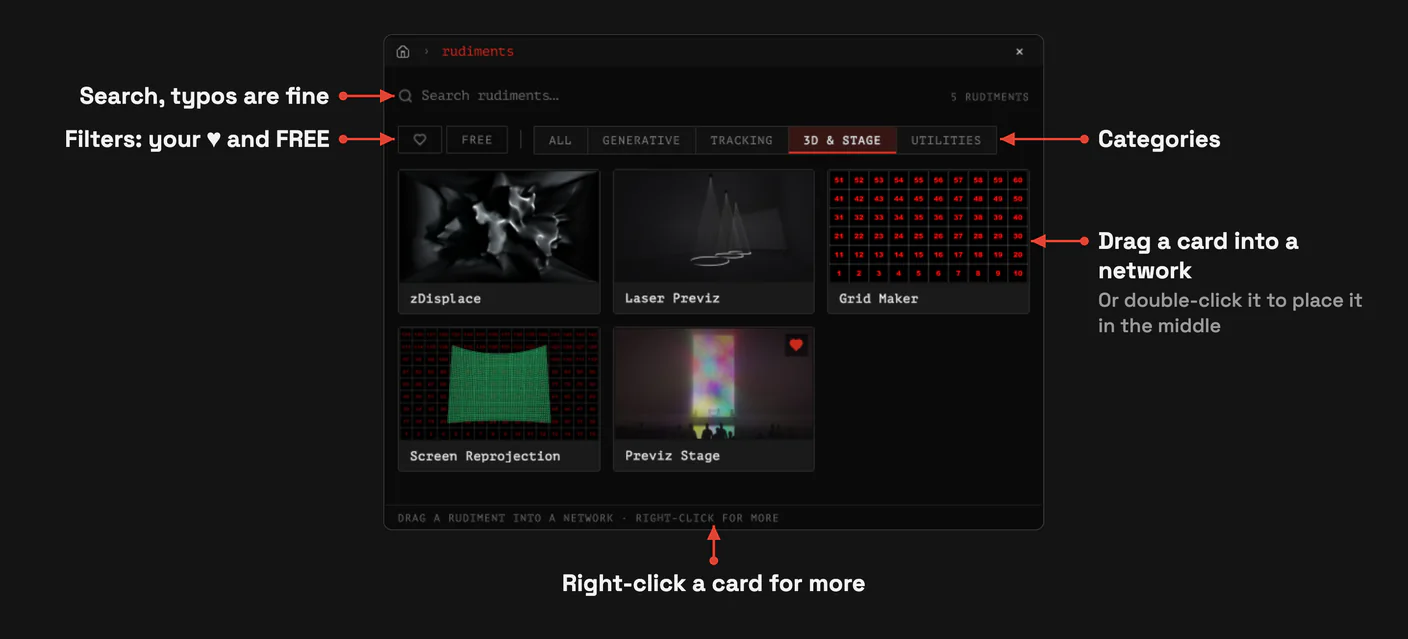
Click RUDIMENTS in TD's top bar (or pick RUDIMENTS in the menu, or use its hotkey). A second press or [ESC] closes it. The window shows the whole library: search that understands word starts and typos in English and Russian, ♥ and FREE filters, categories (GENERATIVE, TRACKING, 3D & STAGE, UTILITIES) and the two big tiles of ZERROR and TIMELINE.
- Drag a card into a network to place it where you drop it.
- Double-click a card to place it in the middle of the network you are looking at.
- RMB on a card: Add to network, Cancel download, Open page on twozero.ai, Copy page link.
Cards show only what you need to know about access: FREE, or PRO with UNLOCK when your plan does not include it. With PRO, every card is open.
Rudiments you marked with ♥ or already downloaded also show up in Create OP, by name.
PRO rudiment without PRO
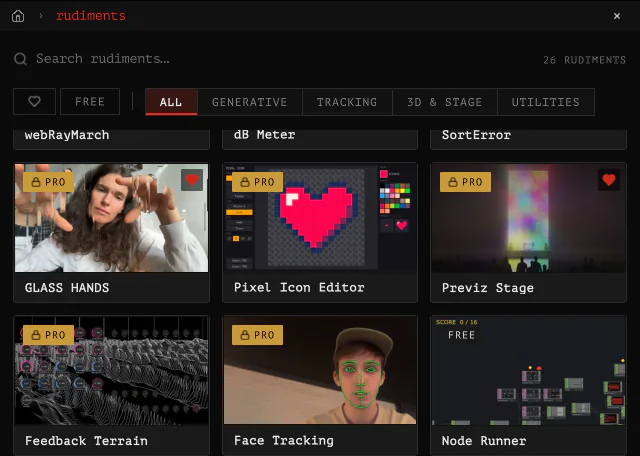
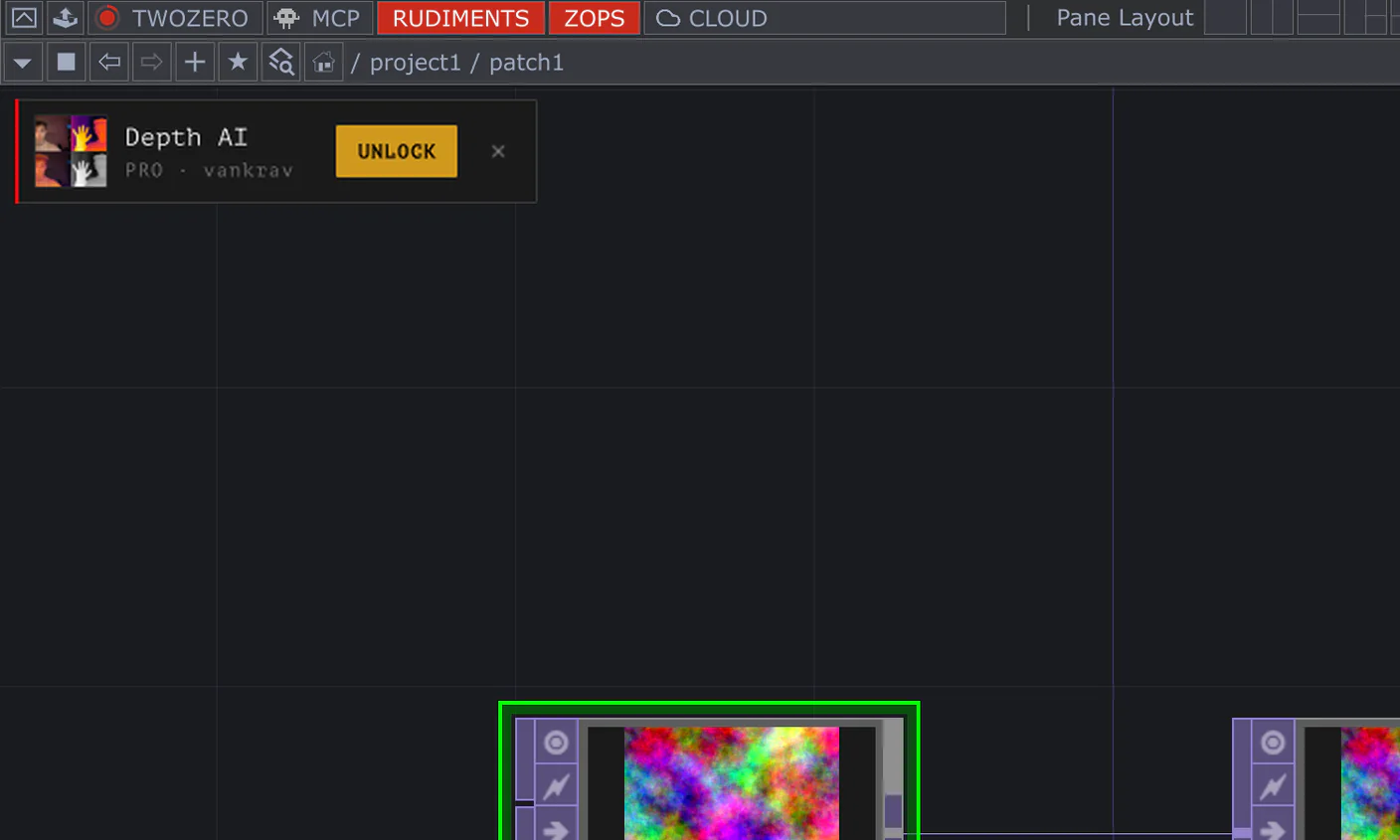
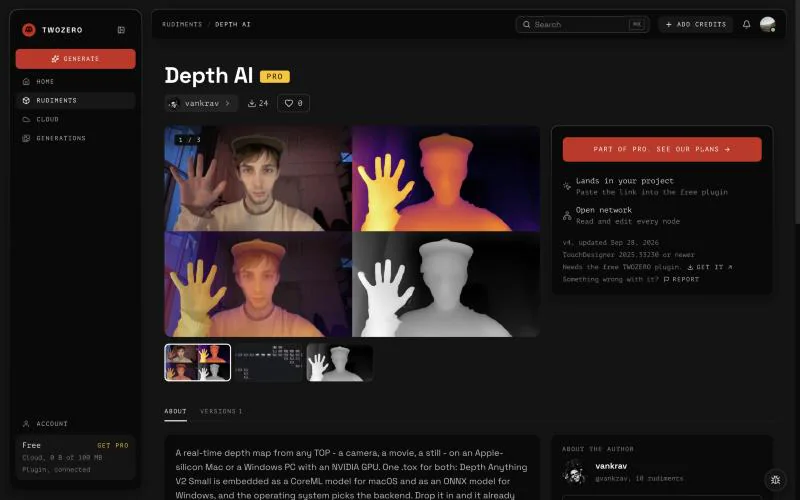
UNLOCK (or RMB → Unlock with PRO) asks first, then opens the rudiment's page on twozero.ai with the plans. After subscribing, the card opens. Still locked? Open the menu header, click your name → Logout, and sign in again: that refreshes your plan.
From a link
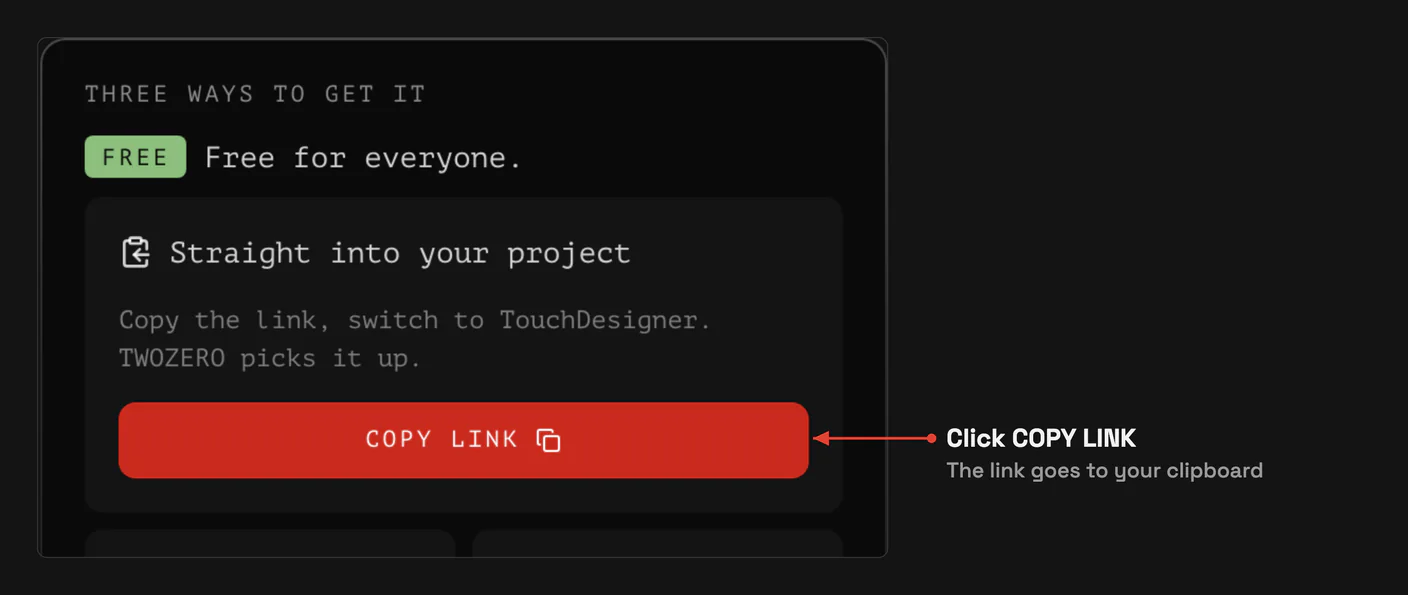
- Open the rudiment's page on twozero.ai/rudiments and click COPY LINK. On a card in the catalogue the same button is called COPY TO TD.
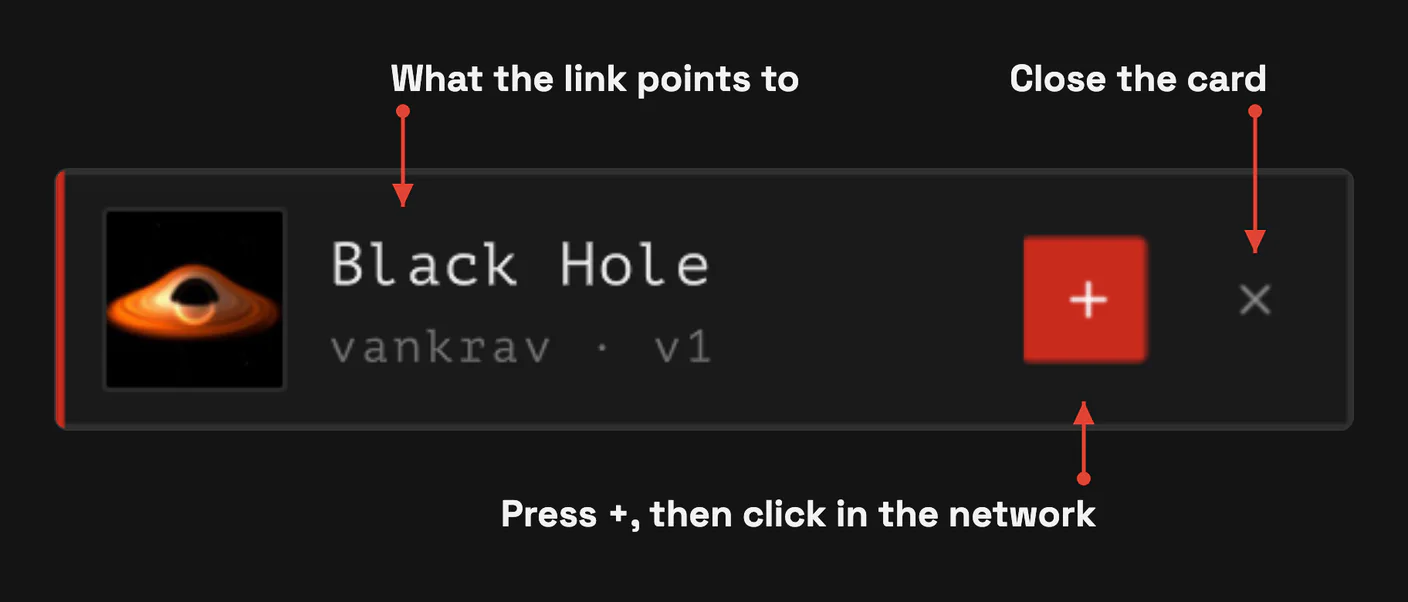
- Switch to TouchDesigner. A card appears in the corner of the network editor with the rudiment's cover, name, author and version.
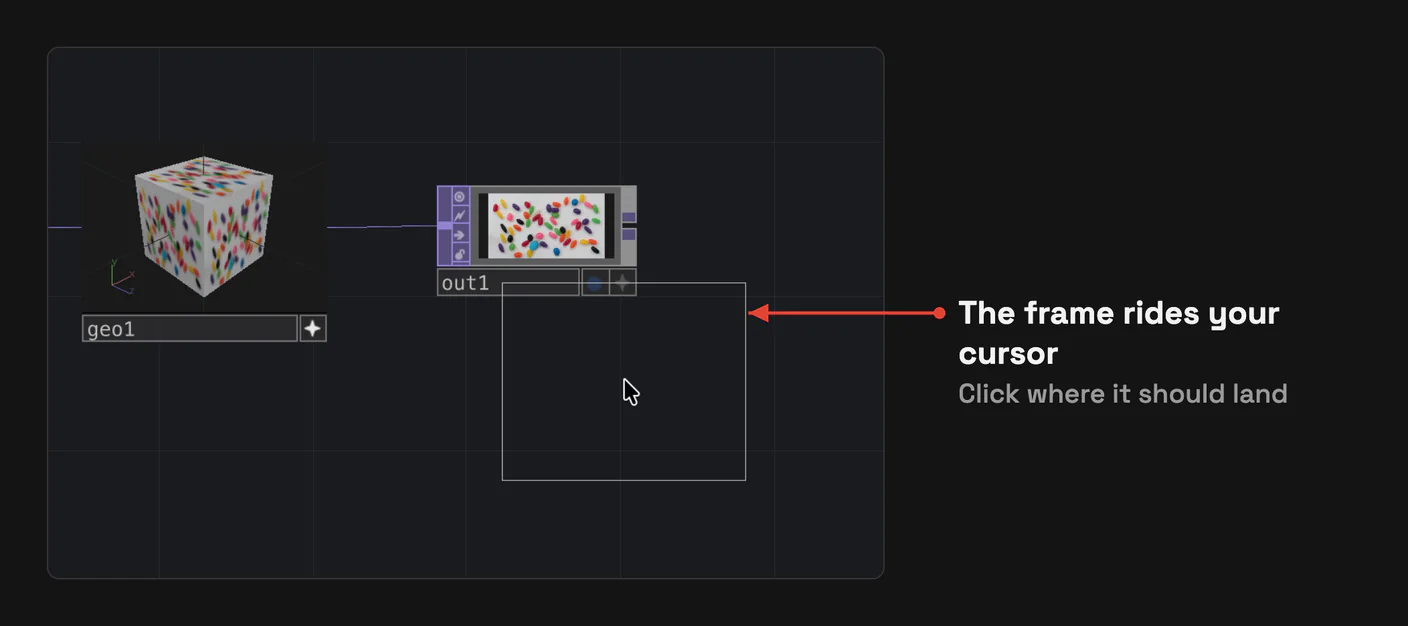
- Press +, or pull the card out of its corner. A frame of the rudiment now rides your cursor.
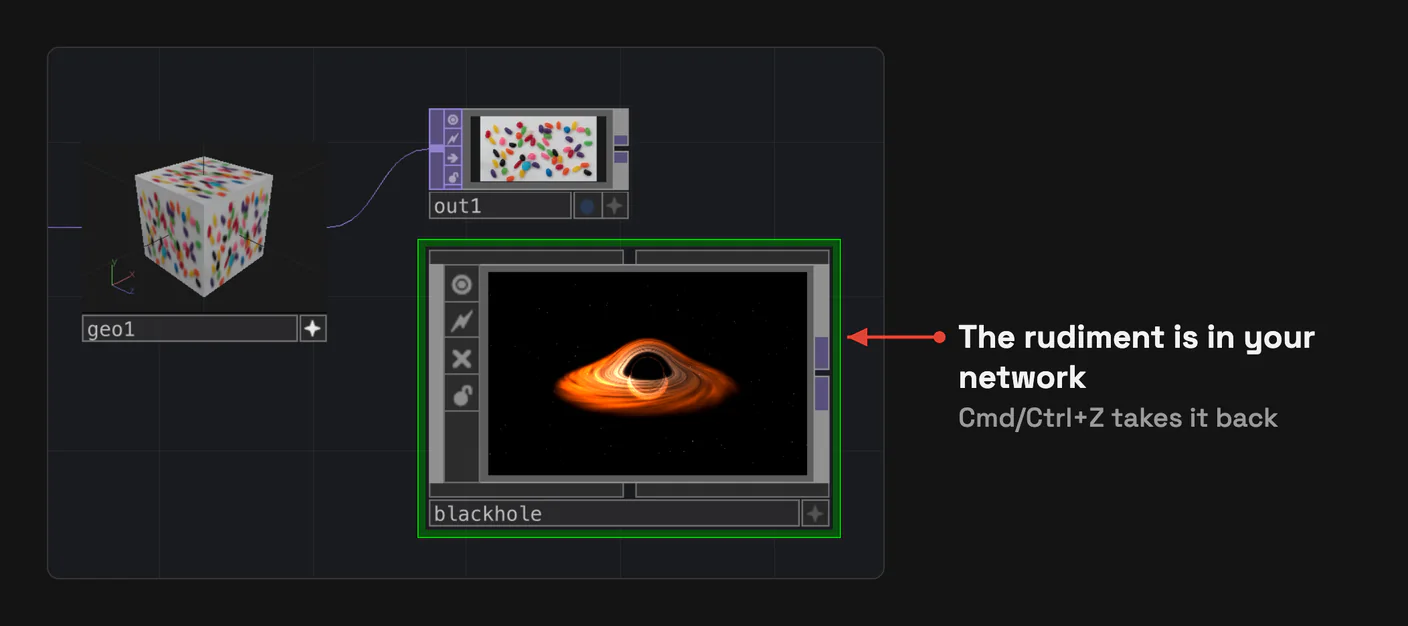
- Click in the network where it should land. [ESC] goes back to the card. If the rudiment is not on this computer yet, a placeholder rides instead, and the download runs where it lands.
If the rudiment needs PRO and your plan does not include it, the card shows UNLOCK instead of +, see above.
No card?
- The card only reacts to a link copied while you were outside TouchDesigner. A link copied inside TD or left in the clipboard from earlier does nothing: copy it again.
- Check Settings → EDITOR → Offer clipboard links. It's on by default.
- In Perform Mode the card is hidden. It comes back with the network editor.
- If the card asks you to open a network, open one inside your project. It can't place anything at the project root or inside TWOZERO.
The page also lets you download the file, or add the rudiment to your Cloud. See Rudiments.
Ask your agent
An agent connected over MCP can browse the library and place a rudiment into your network. A PRO rudiment still needs PRO.